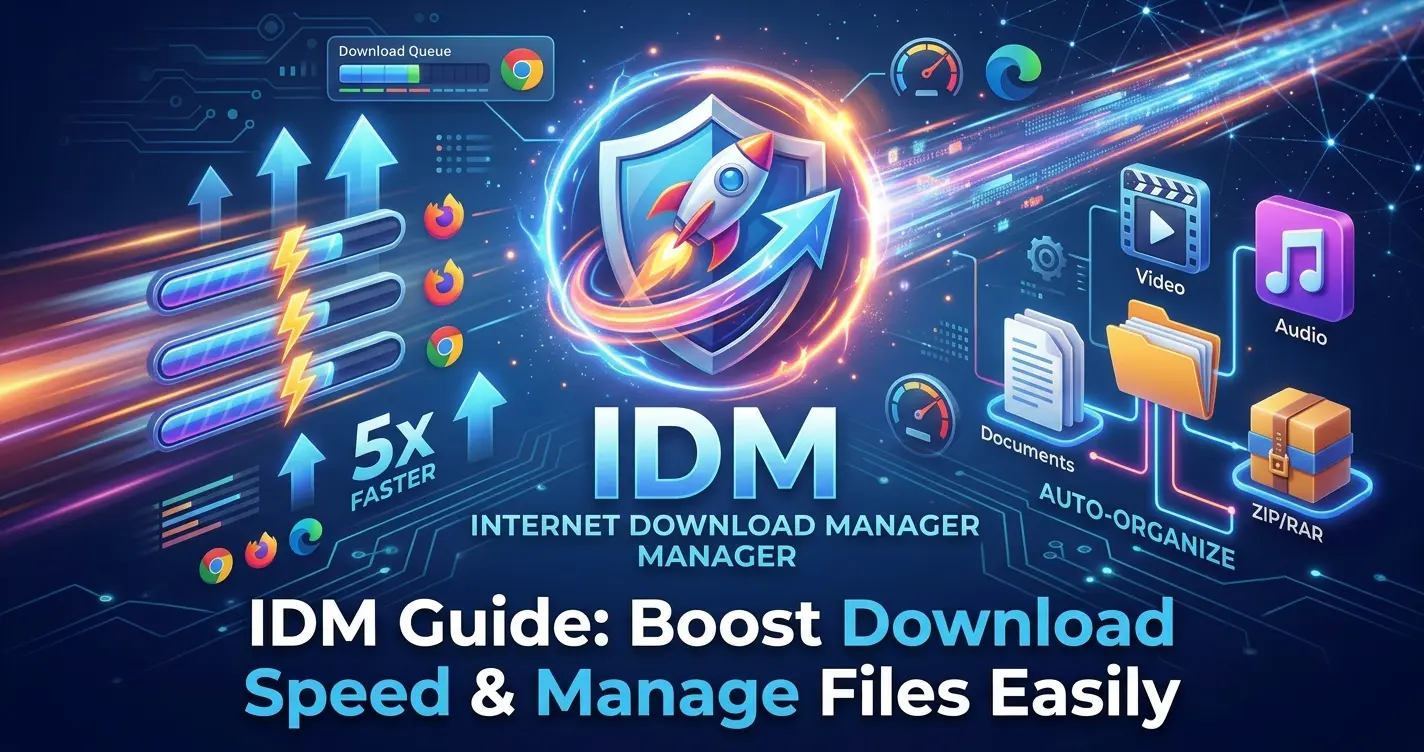
Tired of staring at progress bars that seem to move at a snail's pace? Have you ever experienced the frustration of a download failing at 99%, forcing you to start all over again? If so, you are definitely not alone.
In today's fast-paced digital world, time is your most valuable asset. That is exactly where Internet Download Manager (IDM) steps in. For years, IDM has reigned supreme as the undisputed king of download managers. In this comprehensive guide, we will uncover the secret behind its unmatched power and show you how to leverage it to download files at maximum speed while keeping your digital life perfectly organized.
What is IDM and Why Do Millions Choose It?
Internet Download Manager (IDM) is far more than just a basic tool for saving files from the internet; it is a comprehensive management system. It features a clean, user-friendly interface packed with advanced tools designed to boost your downloading experience by 180%.
Core Features at a Glance:
-
Blazing Fast Speeds: Accelerates downloads using smart file segmentation.
-
Resume Capability: Resumes broken or interrupted downloads due to lost connections, network problems, or power outages.
-
Seamless Browser Integration: Supports Chrome, Firefox, Edge, Safari, and more right out of the box.
-
Smart Scheduler: Allows you to schedule downloads to start, pause, or stop at specific times.
The Tech Secret: How IDM Accelerates Downloads by Up to 5x
Standard web browsers download files in a single, linear stream from the server. If the server or your network experiences a brief hiccup, your transfer speed plummets.
IDM changes the game entirely through its Dynamic File Segmentation technology. Here is how it works under the hood:
-
Dynamic Splitting: IDM dynamically segments the requested file into multiple smaller pieces (up to 32 parts) during the download process.
-
Multiple Connections: It opens multiple simultaneous connections to the server, assigning a separate connection to each file segment.
-
Seamless Assembly: Once all segments are downloaded, IDM automatically and flawlessly stitches them back together.
Pro Tip: This entire process happens safely and on-the-fly without causing any file corruption, ensuring that your internet bandwidth is utilized to its absolute maximum potential.
Declutter Your Digital Space: How to Manage Downloads Easily
One of the biggest digital headaches is a messy "Downloads" folder where files are scattered everywhere. IDM solves this once and for all with its Automatic Categorization feature.
As soon as a download starts, IDM identifies the file type and routes it to a dedicated sub-folder:
-
Documents: PDFs, Word files, and spreadsheets are neatly filed away.
-
Compressed: ZIP, RAR, and 7z archives are separated for easy extraction.
-
Video & Audio: Movies and music tracks are grouped independently for instant media access.
You can fully customize these paths by navigating to the program settings (Options -> Save To), allowing you to maintain a beautifully organized hard drive without lifting a finger.
Golden Tips for Peak IDM Performance
To squeeze every drop of performance out of IDM, make sure to apply these expert tweaks:
-
Maximize Your Connections: Go to
Options->Connection. Change the connection type to match your high-speed internet and increase the Max Connection Number from the default 8 to 16 or 32 (depending on your PC's CPU and internet capacity). -
Enable the Browser Extension: Always ensure the IDM Integration Module is enabled in your browser extensions. This is what generates the magical download panel above any video or audio track on the web.
-
Utilize the Scheduler: If you have unlimited data at night or want to download heavy files while you sleep, use the built-in clock icon to set start/stop times and check the option to turn off your PC automatically when done.
Conclusion
When it comes to speed, reliability, and effortless file organization, Internet Download Manager remains the gold standard. Taking just five minutes to optimize its settings and organize your categories will save you countless hours of waiting and searching in the future.