In today's fast-paced digital environment, efficient file transfer software is essential for maintaining productivity. Internet Download Manager (IDM) stands out as a industry-leading solution, combining dynamic speed optimization with comprehensive queue management. Below is an in-depth breakdown of IDM's core technical capabilities.
1. Dynamic File Segmentation Logic
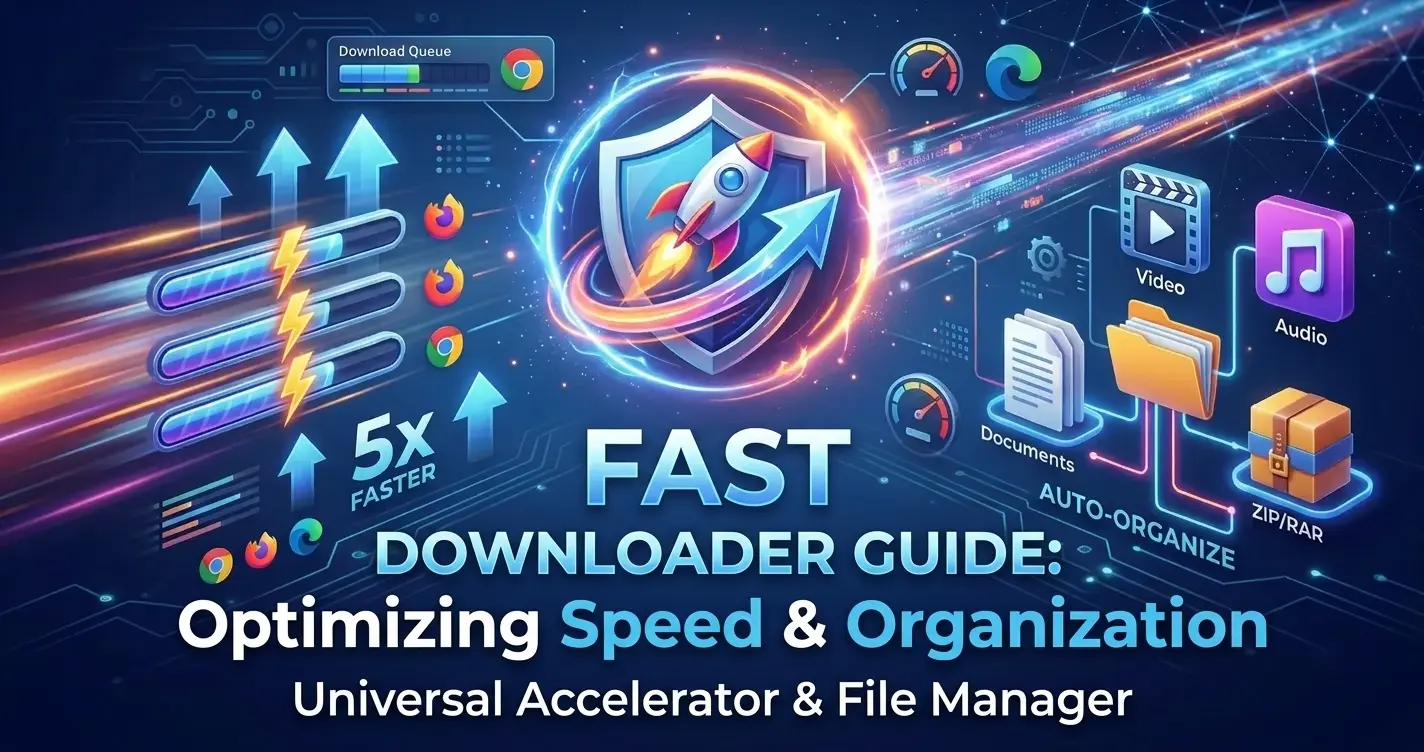
Unlike traditional download utilities that fetch files in a single stream, IDM utilizes an advanced dynamic file segmentation algorithm. It divides active downloads into multiple isolated segments during the transfer process and downloads each segment simultaneously over separate connections. This dynamic division dramatically reduces transfer bottlenecks and optimizes bandwidth usage, resulting in up to 5x faster download speeds.
2. Seamless Universal Browser Integration
IDM integrates natively across all major desktop browsers through dedicated extension modules, including:
- Google Chrome
- Microsoft Edge
- Mozilla Firefox
- Opera & Brave
Once installed, the integration module automatically intercepts media streams and downloadable file extensions without requiring manual link copying or external intervention.
3. Advanced Video & Audio Panel Grabber
One of IDM's defining capabilities is its integrated multimedia panel. When a web video or audio stream plays on supported platforms, IDM automatically generates a discreet overlay panel. Users can select preferred resolutions, bitrates, and file formats (e.g., MP4, WEBM, MP3) for direct offline storage with a single click.
4. Smart Error Recovery and Connection Resuming
Network interruptions, power outages, and unexpected socket drops often corrupt incomplete file downloads. IDM features robust resume capabilities that reconnect to interrupted servers, refresh expired authentication tokens, and resume downloads from the exact point of failure without losing previously downloaded data.
5. Comprehensive Scheduler & Queue Management
IDM provides extensive control over queue execution through its built-in scheduler. Administrators and power users can configure custom download queues to:
- Start and pause queue execution at specific times of day.
- Limit maximum concurrent active downloads to prevent bandwidth saturation.
- Automatically trigger system shutdown, sleep mode, or disconnect dials upon queue completion.
6. Automated Virus & Threat Inspection
Security is integrated directly into the post-download workflow. IDM can automatically invoke local antivirus solutions (such as Windows Defender or third-party suites) to scan downloaded binaries immediately upon completion, protecting system integrity before execution.
Conclusion
From dynamic stream segmentation to flexible queue scheduling, Internet Download Manager delivers a complete ecosystem for managing network transfers. Its combination of raw performance, reliability, and automated browser hookups makes it an indispensable tool for technical professionals and daily web users alike.