Internet Download Manager (IDM) vs. Free Alternatives: The Ultimate 2026 Comparison Guide
In an era dominated by high-definition video streaming, massive software installations, and large cloud datasets, having a reliable download management utility is essential. While Internet Download Manager (IDM) has long maintained its reputation as the industry standard for Windows users, a growing ecosystem of robust, open-source, and free alternatives—such as Free Download Manager (FDM), JDownloader 2, and Motrix—has emerged. This comprehensive guide provides an in-depth technical and practical comparison to help you choose the best tool for your downloading needs.
1. Architecture & Speed Optimization Mechanics
The primary reason users adopt download managers over default browser utilities is speed acceleration and connection stability. Both paid and free solutions tackle this using multi-threaded connection splitting, but their underlying execution differs:
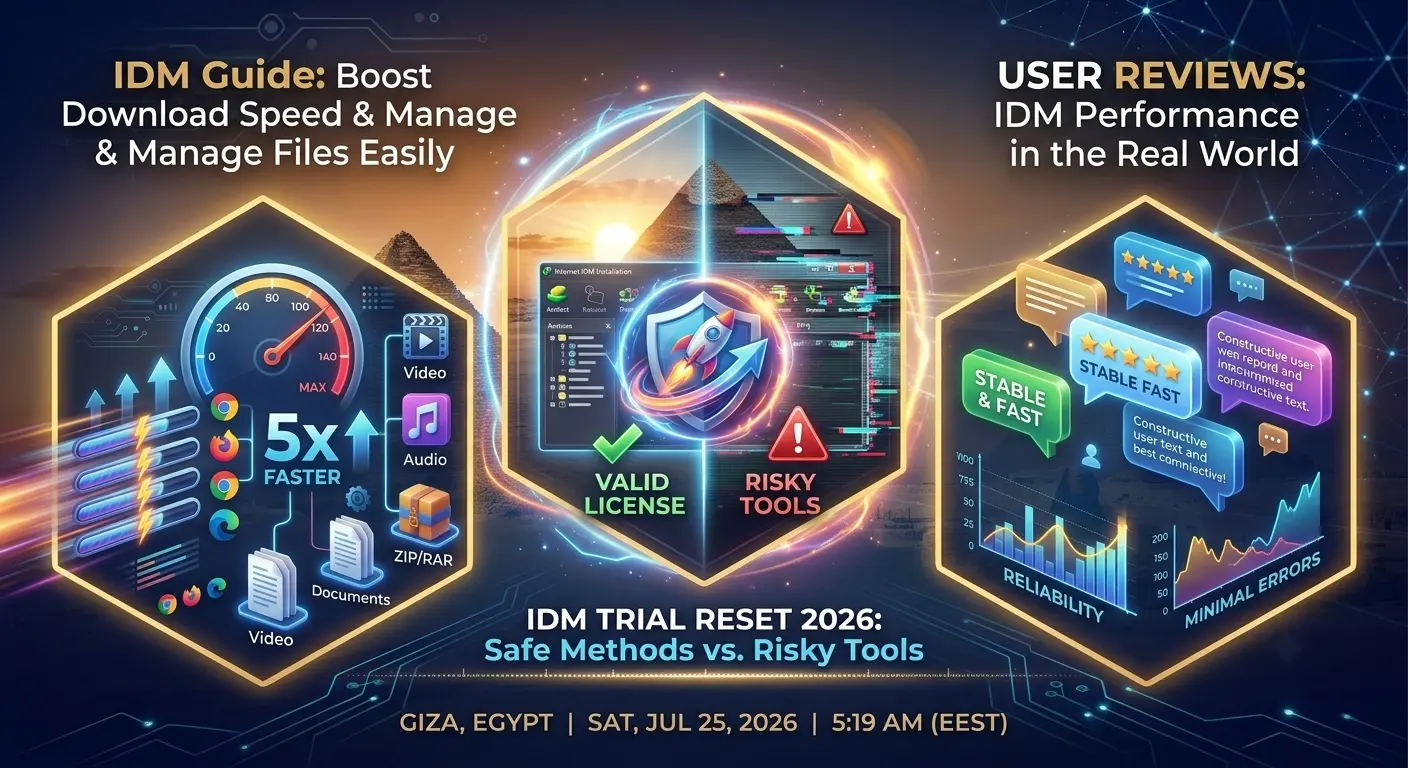
- Internet Download Manager (IDM): Uses a proprietary Dynamic File Segmentation logic. Unlike static splitters that divide a file into fixed chunks before downloading starts, IDM dynamically segments files during the transfer process based on real-time server response times. This minimizes connection overhead and maximizes available bandwidth utilization up to 5x.
- Free Download Manager (FDM): Employs multi-threaded acceleration similar to IDM and includes native BitTorrent protocol support, allowing users to handle both HTTP/FTP transfers and magnet links in a single unified interface.
- JDownloader 2: Highly optimized for file-hosting platforms and cloud storage services. While it supports multi-connection transfers, its core strength lies in automated CAPTCHA solving, link extraction, and batch queue processing.
2. Browser Integration & Media Scraping Capabilities
A download manager's usability often hinges on its ability to intercept links and capture media streams automatically from web browsers.
IDM's Floating Panel: IDM features a highly responsive browser extension module that displays a discreet floating download panel whenever media (video or audio) plays on a web page. It automatically categorizes resolutions, bitrates, and file formats, allowing one-click offline storage.
Free Alternatives: Tools like FDM and Motrix provide browser extension modules for Chrome, Firefox, and Edge. However, media detection on complex streaming platforms can occasionally require manual link copying or third-party extension scripts, whereas IDM updates its integration hooks frequently to maintain compatibility with major web updates.
3. Cross-Platform Support & Resource Footprint
Platform compatibility and system memory consumption are major deciding factors depending on your operating environment:
- Operating System Support: IDM remains strictly a Windows-exclusive desktop application. In contrast, alternatives like Free Download Manager and Motrix offer full cross-platform compatibility across Windows, macOS, Linux, and Android.
- System Resource Usage: IDM is lightweight, running smoothly on low-end systems with minimal CPU and RAM usage. JDownloader 2, being Java-based, requires a higher memory footprint, which can be noticeable on older hardware.
4. Feature Comparison Matrix
| Feature | IDM (Internet Download Manager) | Free Download Manager (FDM) | JDownloader 2 |
|---|---|---|---|
| License Type | Paid (30-Day Free Trial) | 100% Free / Open-Source | 100% Free / Open-Source |
| OS Compatibility | Windows Only | Windows, macOS, Linux, Android | Windows, macOS, Linux |
| Torrent Support | No (HTTP/FTP/HTTPS only) | Yes (Native BitTorrent) | Limited / Script-based |
| Dynamic Segmentation | Advanced Dynamic Logic | Standard Static Multi-threading | Multi-connection Threading |
| Batch Media Scraping | Automated Floating Panel | Manual / Basic Extension | Advanced Link Grabber |
5. Final Verdict: Which Should You Choose?
Selecting the right download manager depends on your specific workflow and budget priorities:
Choose Internet Download Manager (IDM) if you prioritize raw transfer speeds on Windows, require seamless video scraping across web platforms, and desire a lightweight, low-resource utility.
Opt for Free Download Manager (FDM) or JDownloader 2 if you require cross-platform support (macOS/Linux), need built-in torrent integration, or prefer fully free, open-source software without recurring license costs.