YouTube is the world’s ultimate video library, housing everything from educational tutorials to entertainment blockbusters. However, there are times when you need to watch videos offline—whether you are traveling, facing an unstable internet connection, or saving mobile data.
While downloading videos seems simple, the internet is flooded with sketchy websites, malicious pop-ups, and tools that compromise your digital security. In this guide, we will explore the safest, most reliable methods to download YouTube videos without risking your device's health.
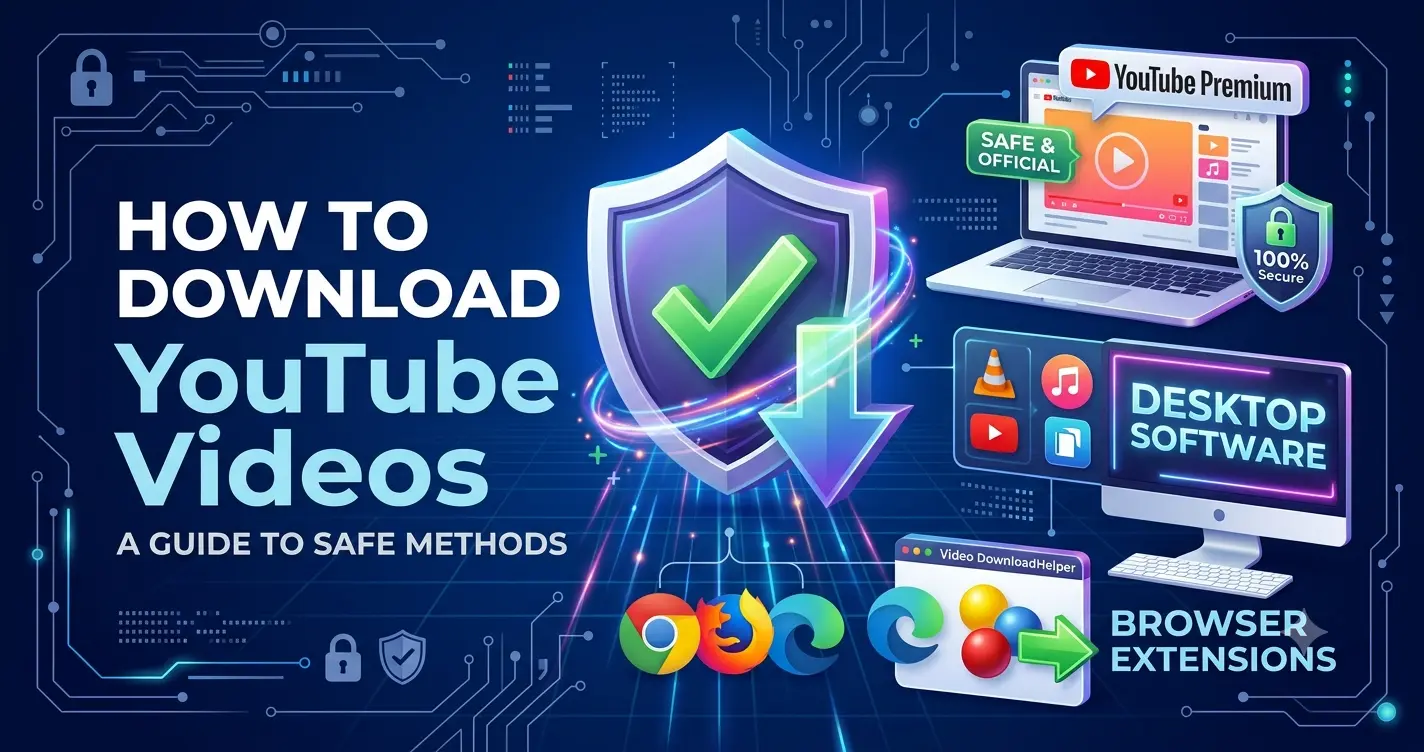
1. The Official & Safest Way: YouTube Premium
Before looking at third-party tools, the absolute safest and most ethical method is YouTube Premium.
YouTube officially allows offline viewing through its mobile app and desktop browsers for premium subscribers.
Why Choose YouTube Premium?
-
100% Safe: No risk of malware, viruses, or phishing scams.
-
Support Creators: A portion of your subscription goes directly to the content creators you love.
-
Ad-Free Experience: Downloads are just one perk alongside background playback and ad-free viewing.
-
High Quality: Download videos in crisp Full HD ($1080\text{p}$) easily.
To use it, simply click the "Download" button located right beneath the video player, and it will be saved securely within your YouTube app or browser cache.
2. Desktop Software: The Secure Alternative to Websites
If you need to keep permanent video files on your hard drive, trusted desktop software is significantly safer than online browser converters (which often redirect you to dangerous adware sites).
Recommended Safe Tools:
-
4K Video Downloader: A highly reputed desktop application. It allows you to download entire playlists, subtitles, and videos in up to $4\text{K}$ resolution safely.
-
VLC Media Player: Yes, the popular open-source media player can stream and save YouTube videos through its "Open Network Stream" feature. It is completely free, open-source, and contains zero ads.
Security Rule: Always download desktop software directly from its official developer website. Never use cracked versions or download from third-party forums.
3. Browser Extensions: Convenient and Hidden
Another seamless way to download videos safely is by using open-source or highly rated browser extensions.
Extensions like Video DownloadHelper (available for Firefox and Chrome-based browsers) add a smart download icon directly to your browser toolbar. When you play a YouTube video, the extension detects the media stream and allows you to download it in your preferred resolution safely.
How to Spot an Unsafe Downloading Method
If you decide to search for alternative tools, keep these security red flags in mind:
-
Aggressive Pop-ups: If a website bombards you with redirects, fake "Your PC is infected" warnings, or adult ads, close it immediately.
-
Executable Files (.exe): Never run an
.exefile that claims to be a downloaded video. Videos should always be in formats like.mp4,.mkv, or.webm. -
Asking for Personal Info: A legitimate video downloader will never ask for your email, credit card details, or social media logins.
Conclusion
Downloading YouTube videos for personal offline use doesn't have to be a risky gamble. By sticking to official features like YouTube Premium or using reputable, ad-free desktop software like VLC and 4K Video Downloader, you can enjoy your favorite content anytime, anywhere, with absolute peace of mind.